Teachers, do you have camera-enabled iPads or tablets in your classroom? Let each child choose their own drawing adventure!
Our Halloween QR Drawing Choice Boards are printable drawing choices that link to our video lessons. With a device for each child, here’s how you can use them:
- Print and post the choices at the front of your classroom.
- Each child chooses a drawing and scans its code with their iPad or tablet.
- Students draw along at their own pace, pausing whenever they need more time.
One child can draw a puppy in a ghost costume while another draws pumpkin bats. You choose which projects to put up, and your students choose what they want to create!
Before you start: You’ll need internet, camera-enabled devices that can scan QR codes, school-approved YouTube access, paper, and drawing supplies. Preview the lessons on your classroom devices first, and help students scan and open their videos when needed.
1. Print and post the choices
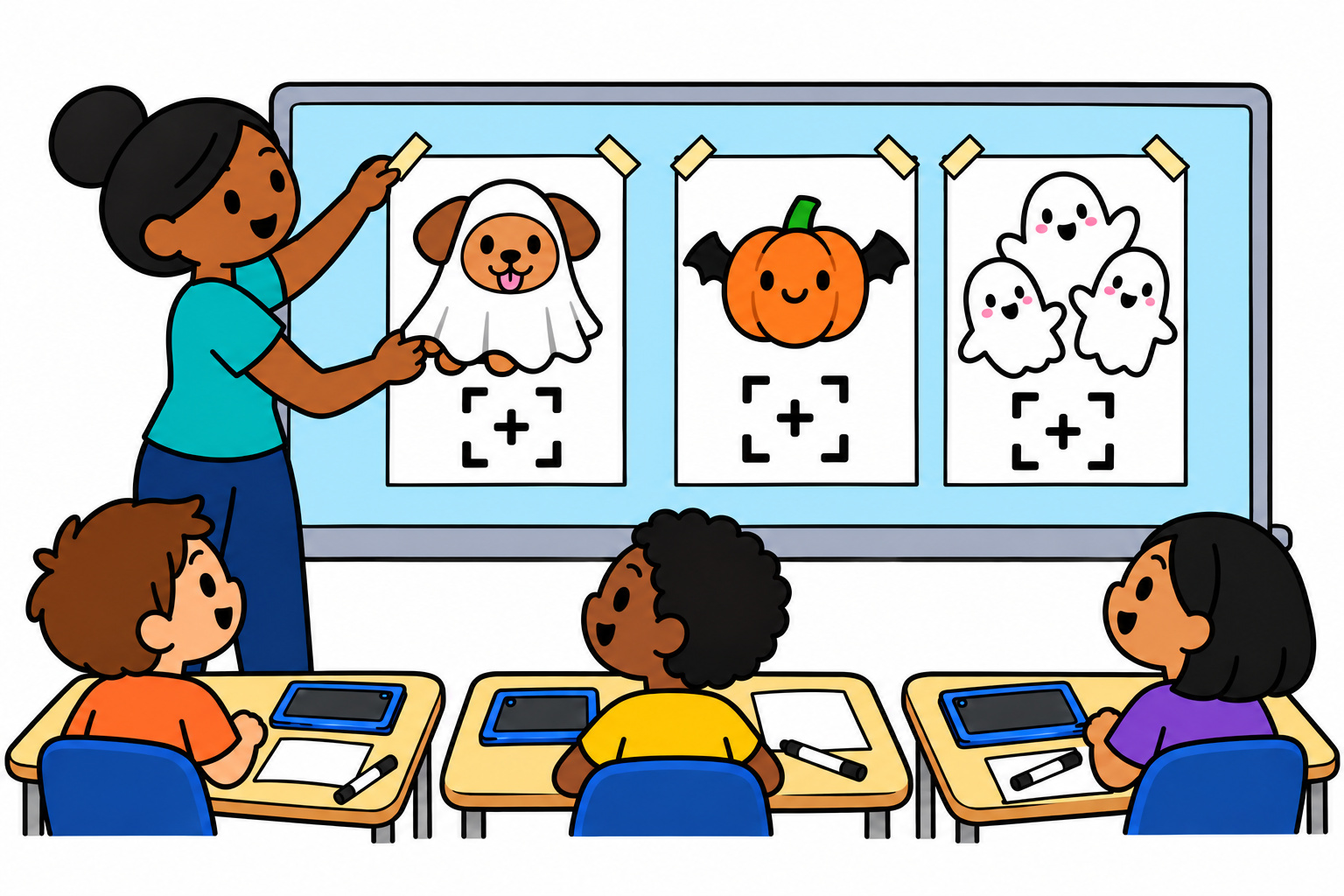
Open your download and choose the US Letter or A4 file to match your paper. Then print the drawing choices you’d like to offer and tape them at the front of your classroom.
You can use the one-page choice board, cut-apart lesson cards, or full-page posters. The posters have larger QR codes, which make them a handy option for this setup. Put them where students can walk up and hold their devices close enough to scan.
You don’t have to put up every project at once. Start with a few choices that fit your students. For example, the Growing Artists pack includes Ghost Costume Puppy, Pumpkin Bats, and Funny Ghost Family. Those three would give your class a fun place to start!
2. Each child chooses and scans
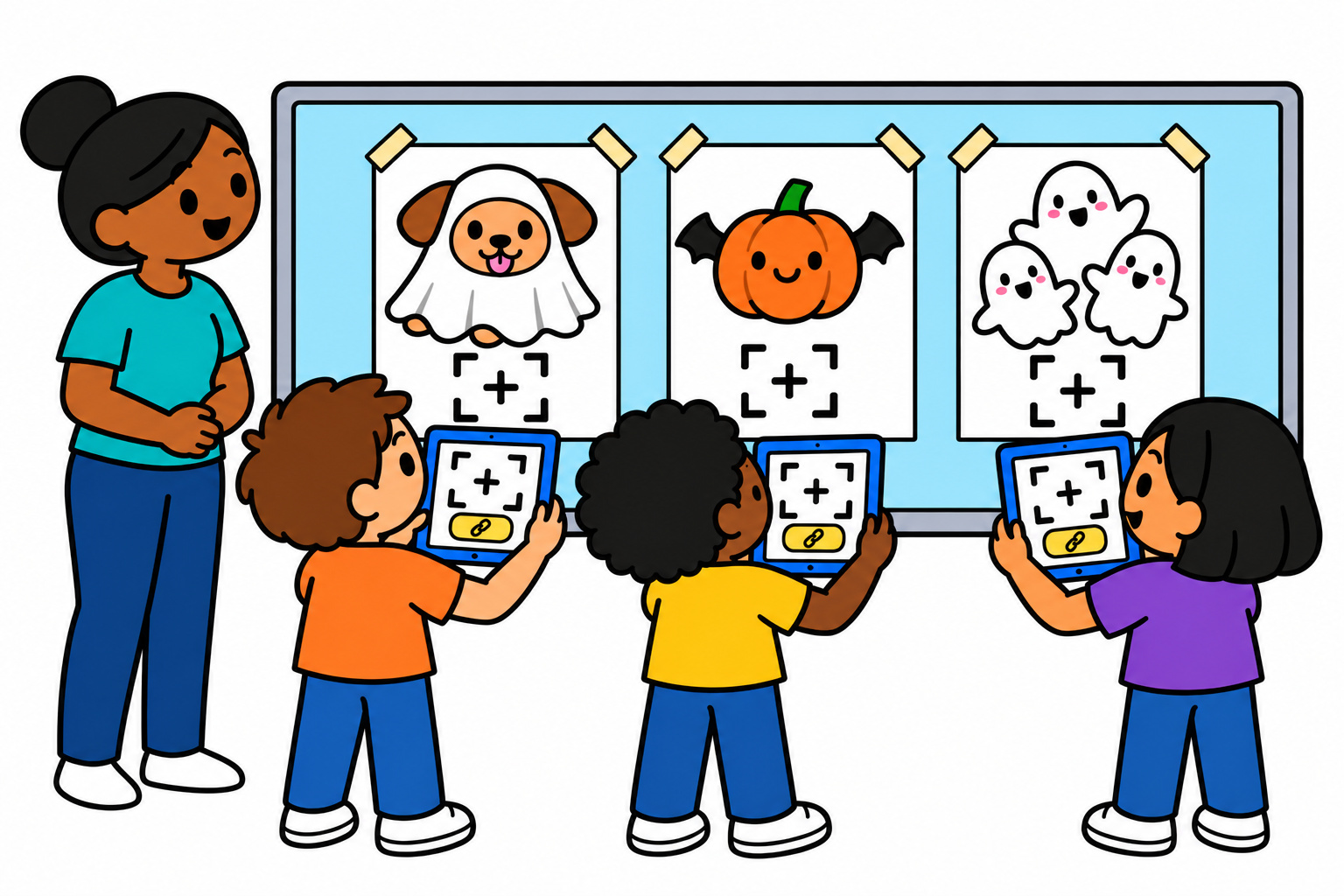
Have students bring their iPads or tablets up to the posted choices, following your classroom’s turn-taking routine. Each child picks the drawing they want to try.
Open the device’s camera or QR scanner, point it at the code for that drawing, and tap the link that appears. The code opens the matching YouTube lesson, so students don’t have to type a search to find their project.
Younger artists may need help with this part. Try scanning your printed pages before the activity, and show your class how to open a lesson before everyone gets started. If you’re using the PDF on a screen, its lesson links are clickable too.
3. Draw along at your own pace
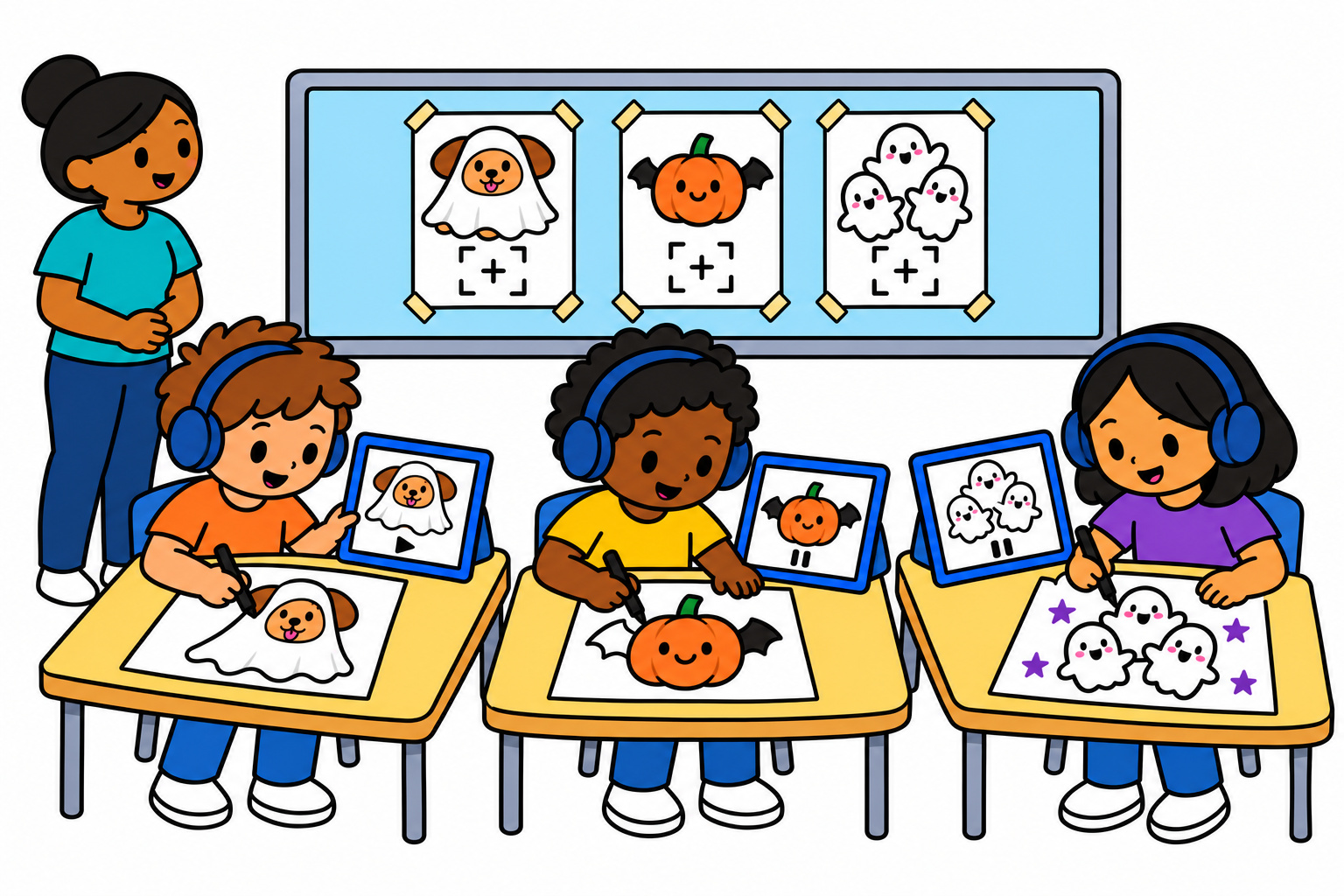
Once their videos are open, students head back to their desks, grab their drawing supplies, and draw with us!
Each child can pause when they need more drawing time or watch a part again. One student might still be drawing their puppy while another is ready to color their pumpkin bats. Headphones can help when several lessons are playing in the same room.
Encourage your artists to add their own ideas, too. They can change the colors, add a background, or give their character a funny detail. Their drawings don’t need to look exactly like ours. Have fun practicing and making them your own!
What comes in a choice board pack?
Each pack organizes nine of our existing YouTube drawing lessons into printable pages you can use in your classroom. Your download includes:
- A full-color, one-page drawing choice board
- An ink-saving version of the choice board
- Nine large cut-apart lesson cards
- Nine full-page classroom posters
- QR codes and clickable lesson links
You’ll receive two 15-page PDF files with the same activities in US Letter and A4 sizes. Print just the pages you want to use. This is a digital download, so no physical items will be shipped.
The prepared choices give your students a place to pick a project, and the matching links help them get to the lesson. You can keep the pages for another drawing day or laminate the cut-apart cards if you’d like to reuse them at an art center.
Choose a pack for your classroom
The age ranges are suggestions. You know your students best, so choose the level that feels comfortable and fun for them.
- Halloween QR Drawing Choice Board for Little Artists: Suggested ages 4–6, with approachable projects like Candy Corn and Funny Monster.

- Halloween QR Drawing Choice Board for Growing Artists: Suggested ages 7–10, including the puppy, pumpkin bats, and ghost family used in our classroom example.

- Halloween QR Drawing Choice Board for Advanced Artists: Suggested ages 11 and up, with more detailed projects like Vampire Kitten and Advanced Realistic Bat.

- Complete Halloween QR Drawing Bundle: All three levels together, with 27 lessons and six PDF files covering both paper sizes.

A few classroom tips
Try the posted choices during an art center, choice time, or as an option for early finishers. Set a routine for getting a device, scanning a project, asking for help, and putting supplies away. Preview each lesson so you can plan enough time for drawing and coloring.
If your class has only one screen, you can also choose a project together and have the teacher control the video. For the individual-choice activity above, each child needs a device while they draw.
The codes open lessons on YouTube, including Art for Kids Hub or Art Hub Plus, and require internet access. They don’t open the ad-free member site.
Each purchase is licensed for use in one classroom or one household. Please don’t redistribute the PDF files, resell them, or post them on a public website.
Ready to give it a try? Pick a pack above, put up a few drawing choices, and let your students choose their adventure. I hope you and your class have a lot of fun drawing with us!
